Quiet until it matters.

Click any spotter to see what it does.

Every spotter waits in the menu bar. You hear from it only when it crosses a line you set.

It speaks up.

Cross the line you set and it hops, tints and says one word. Then it goes quiet again.

Your agents ask.

Claude Code or Codex wants to run something. Allow or deny it from the bar. Try it.

Plain files.

Every spotter is a small JSON file. The rule that called is one line in it. Edit it yourself, or ask your agent to.
Works with the agents you already use.

One hook per agent. Spotter keeps each session’s status and what it’s waiting on, never your prompts. Point at a name to see its line.

Set up your agent
  • Claude Code
    spotter hook claude-codeAllow and Deny from the menu bar
  • Codex
    spotter hook codexAllow and Deny from the menu bar
  • Gemini CLI
    spotter hook gemini-cliStatus in the menu bar
  • Cursor
    spotter hook cursorStatus in the menu bar
  • Copilot CLI
    spotter hook copilot-cli preToolUseStatus in the menu bar

Anatomy of a spotter.

{  "name": "API health",  "icon": "globe",  "sources": {    "api": { "url": "https://api.acme.dev/health", "every": "30s" }  },  "bar": { "blocks": ["latency"] },  "blocks": [    { "id": "latency", "type": "value", "value": "latency_ms" }  ],  "alerts": [    { "when": "latency_ms", "above": 800, "say": "Slow" }  ]}
1
NameWhat you call it, and an icon if you like.
2
SourcesWhere the data comes from and how often: a URL, a file, a folder or a command.
3
BarWhat the menu bar item shows: a figure, a badge, a word.
4
BlocksWhat the popover shows: values, charts, tables, logs, sessions.
5
AlertsWhen it speaks up. It fires on a change, never for something already true at the start.

Nine looks. One line.

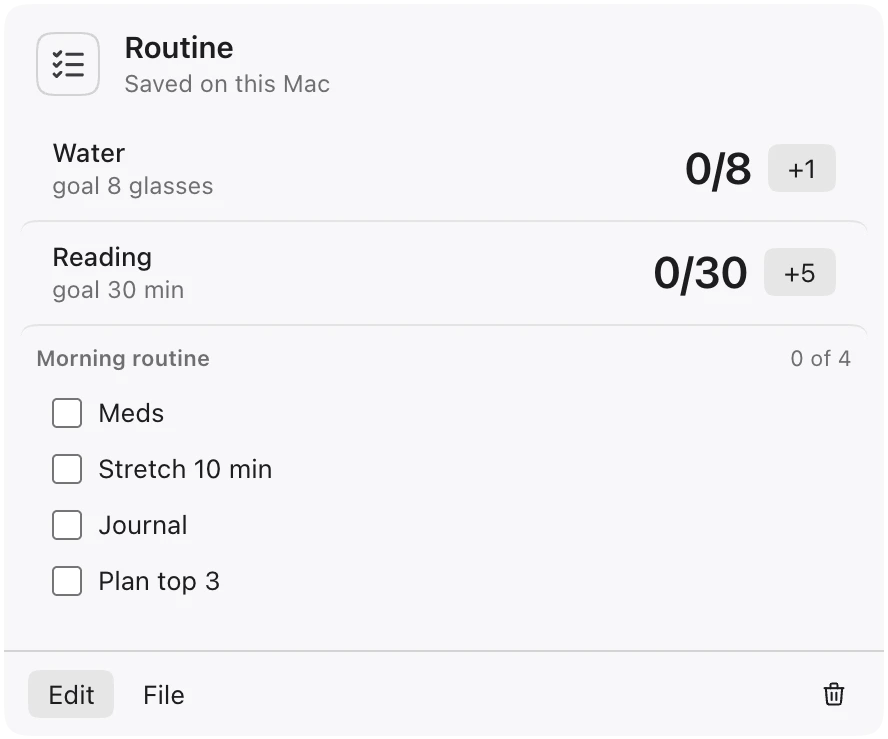
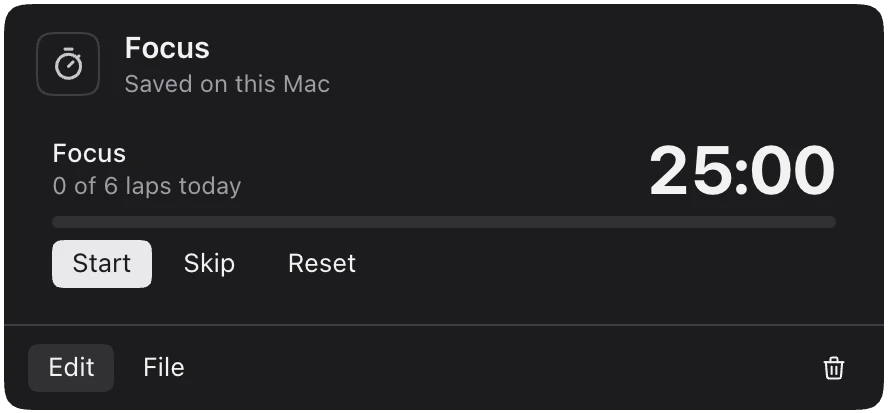
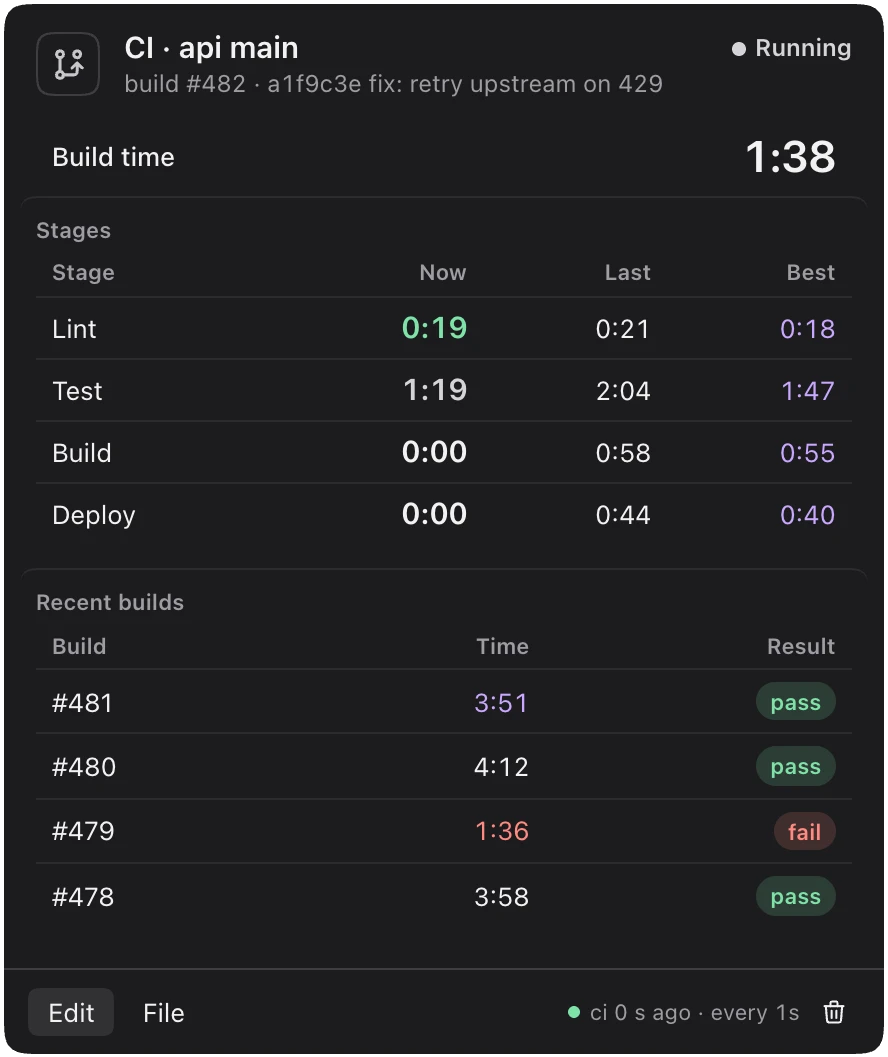
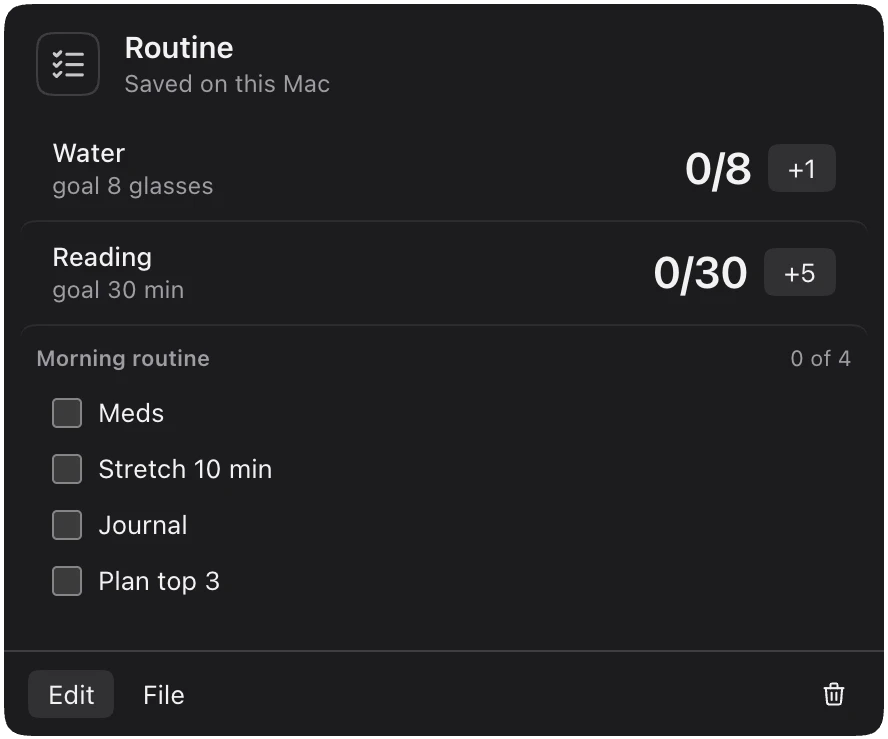
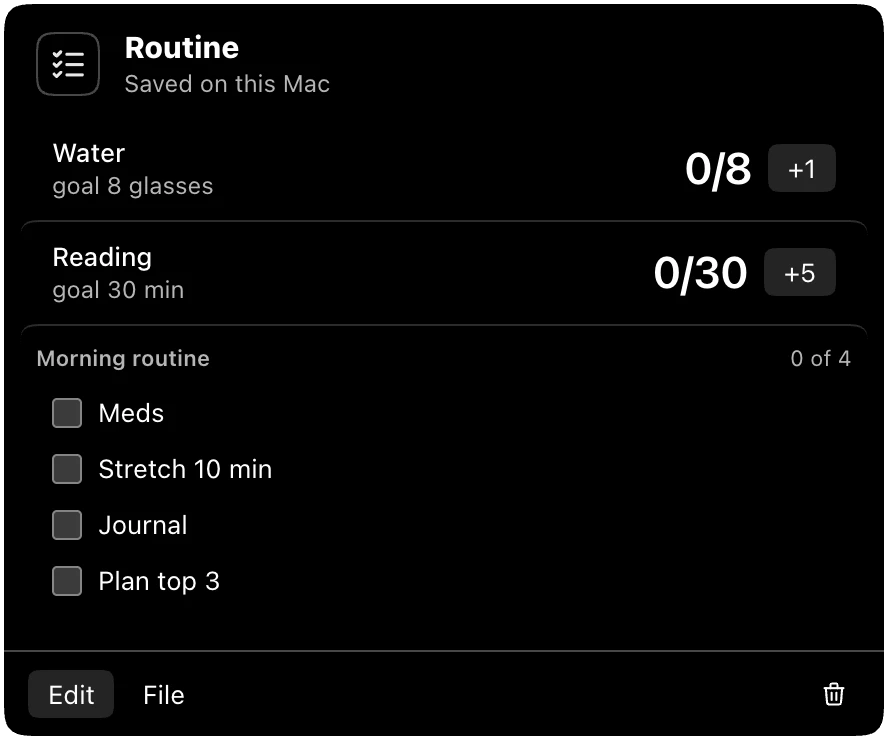
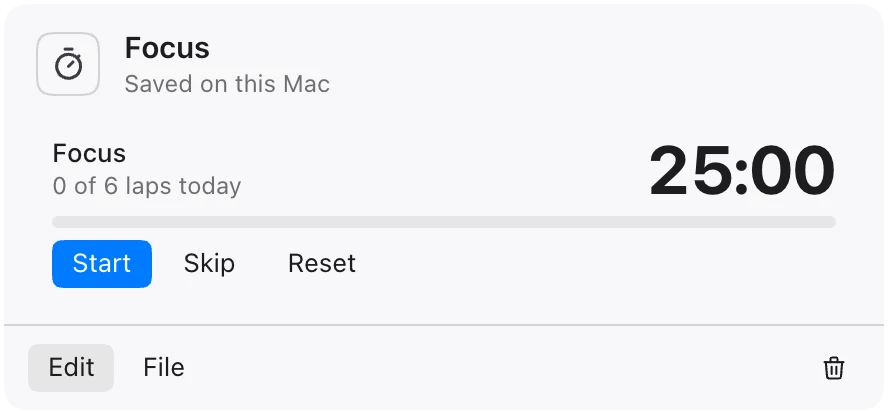
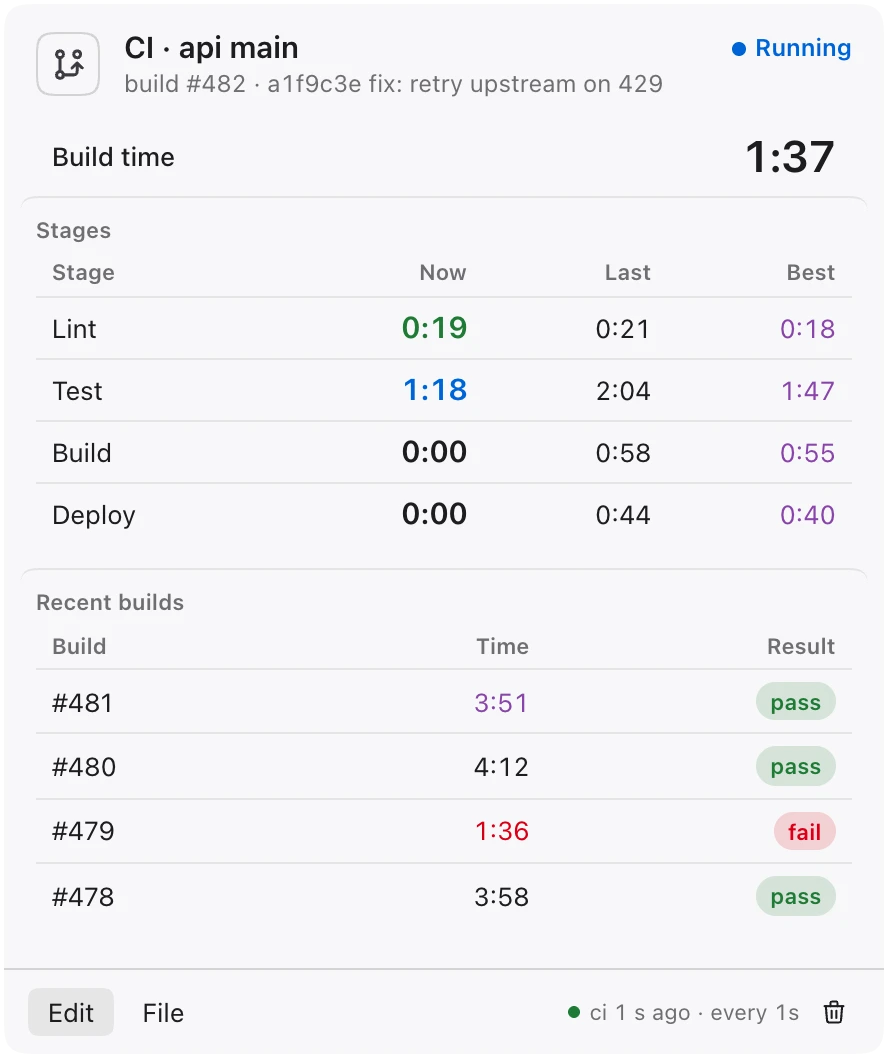
Each spotter picks its own look in its file. These are real popovers, drawn by Spotter.

System

The default. Clean macOS type and a blue accent.

"look": { "theme": "system" }
Focus timer popover in the System look
CI build popover in the System look
Routine popover in the System look

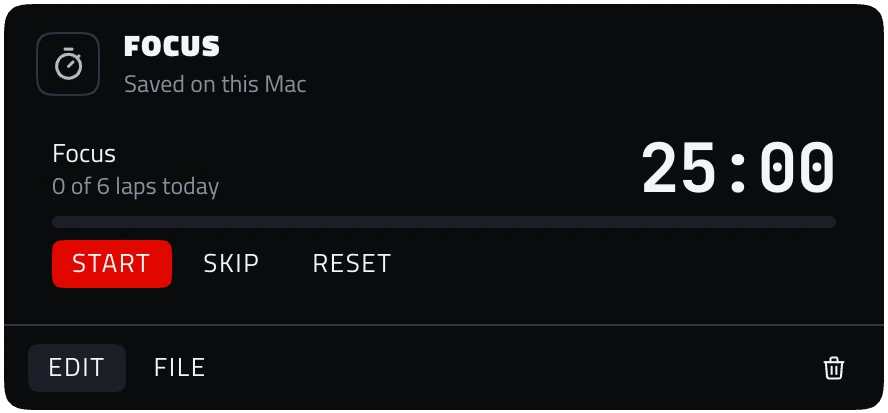
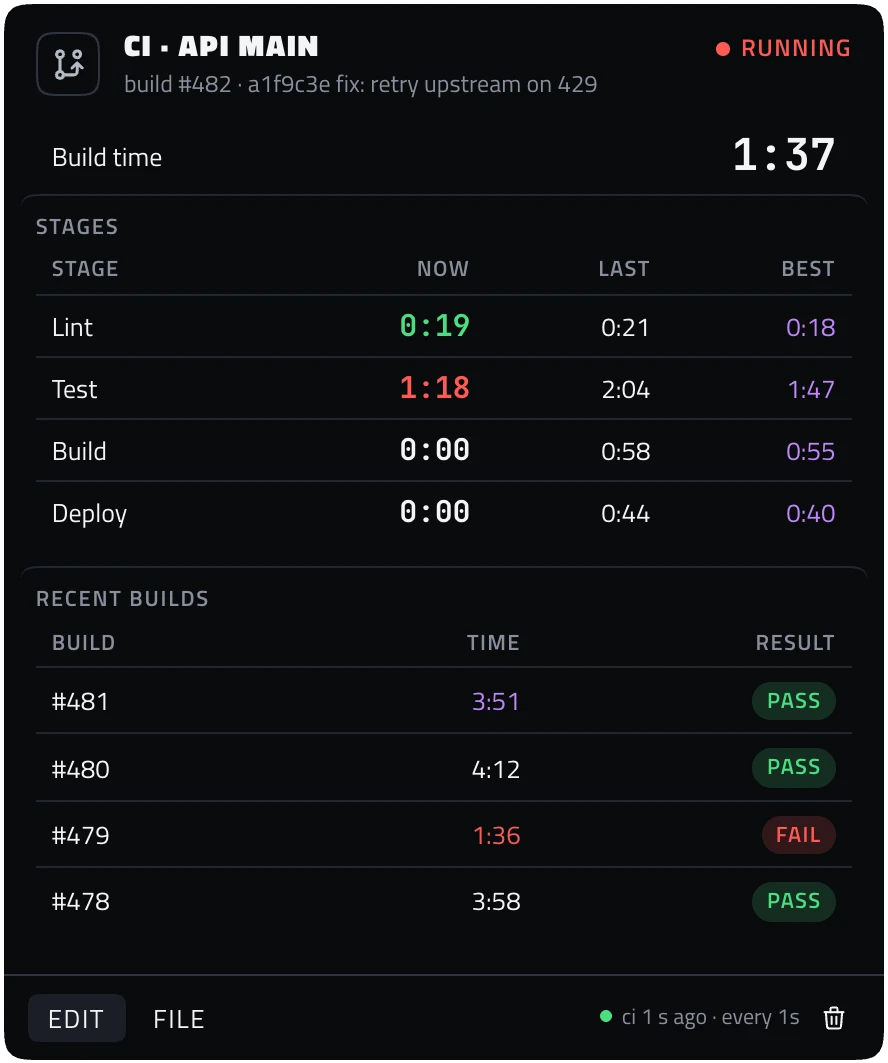
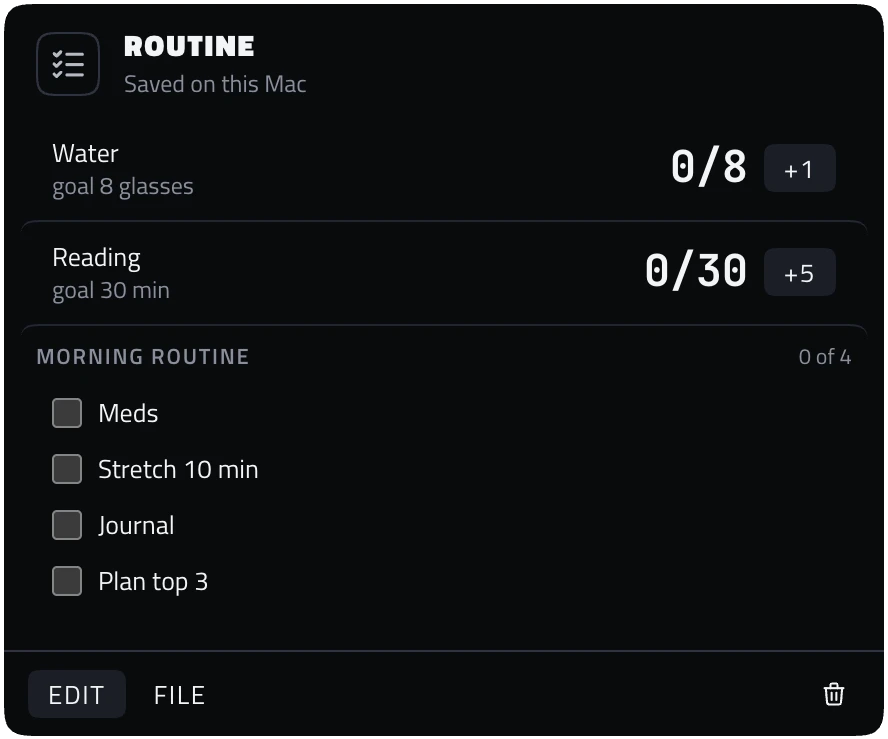
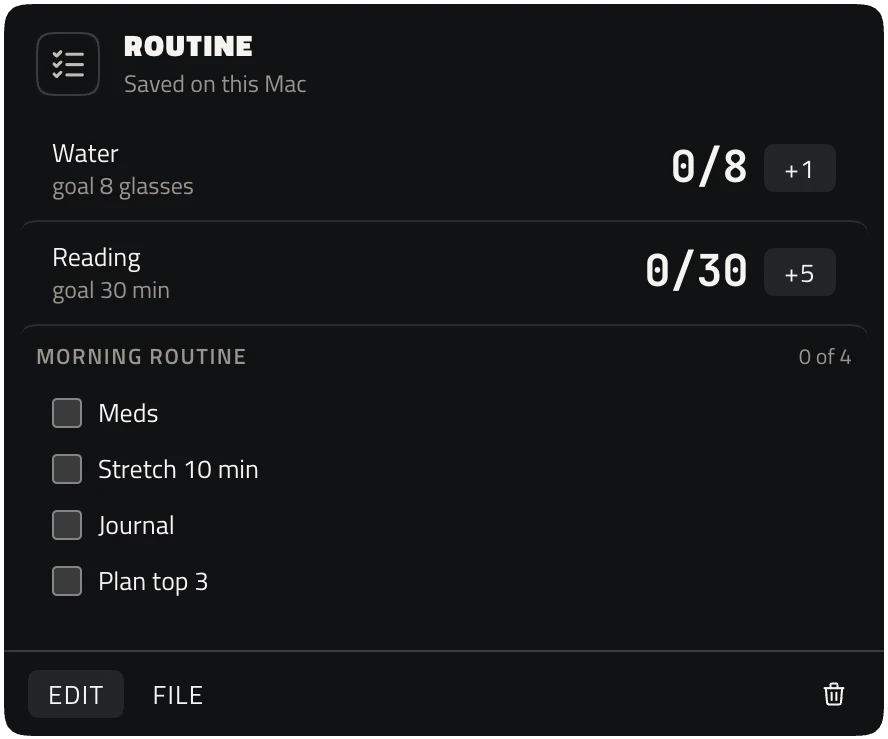
Pit wall

Race control: black, uppercase labels, red when something needs you.

"look": { "theme": "pitwall" }
Focus timer popover in the Pit wall look
CI build popover in the Pit wall look
Routine popover in the Pit wall look

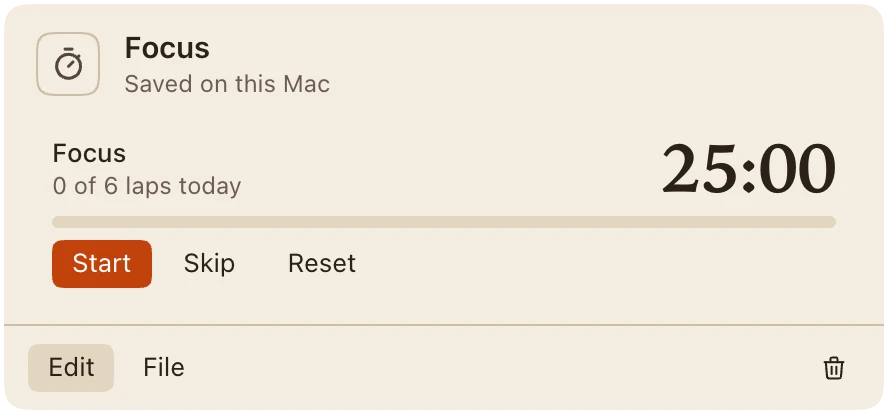
Paper

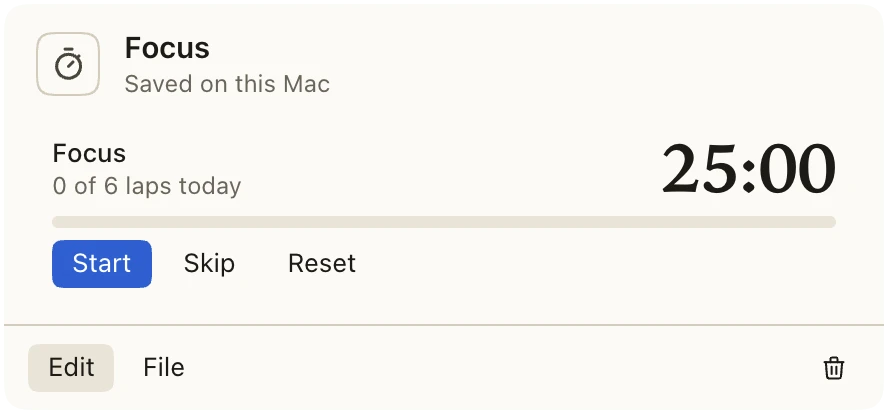
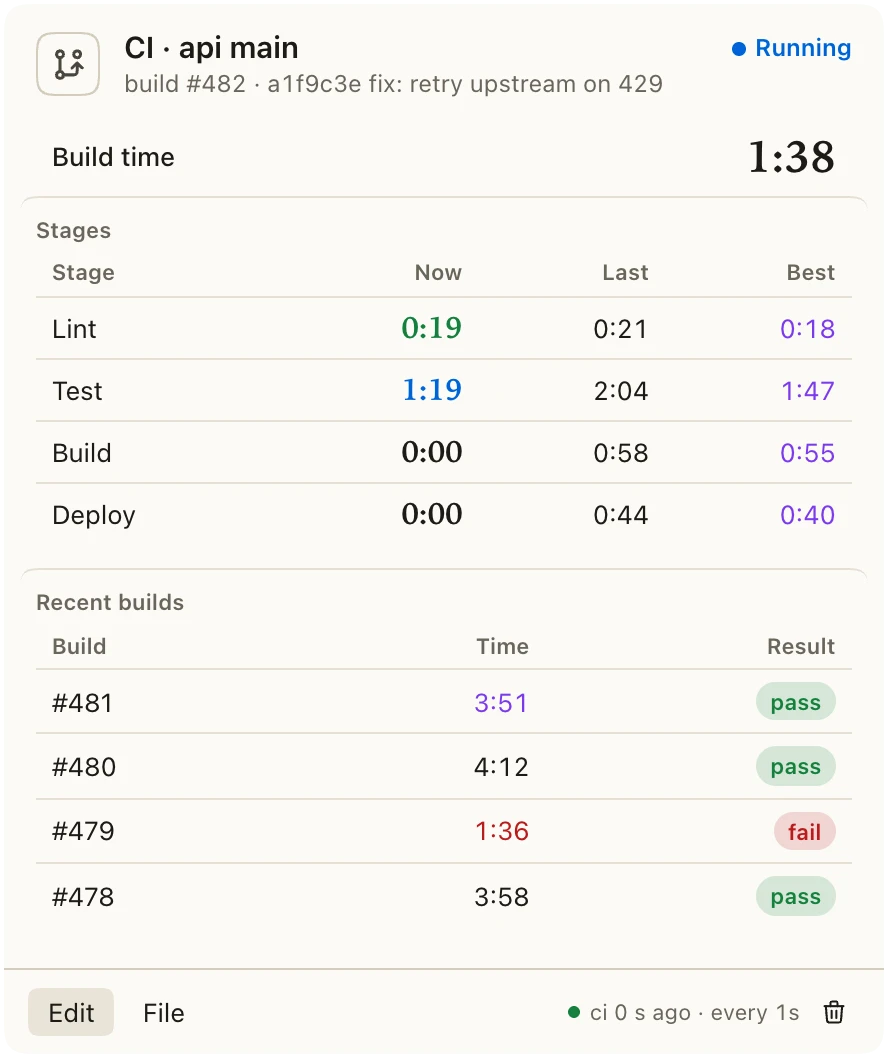
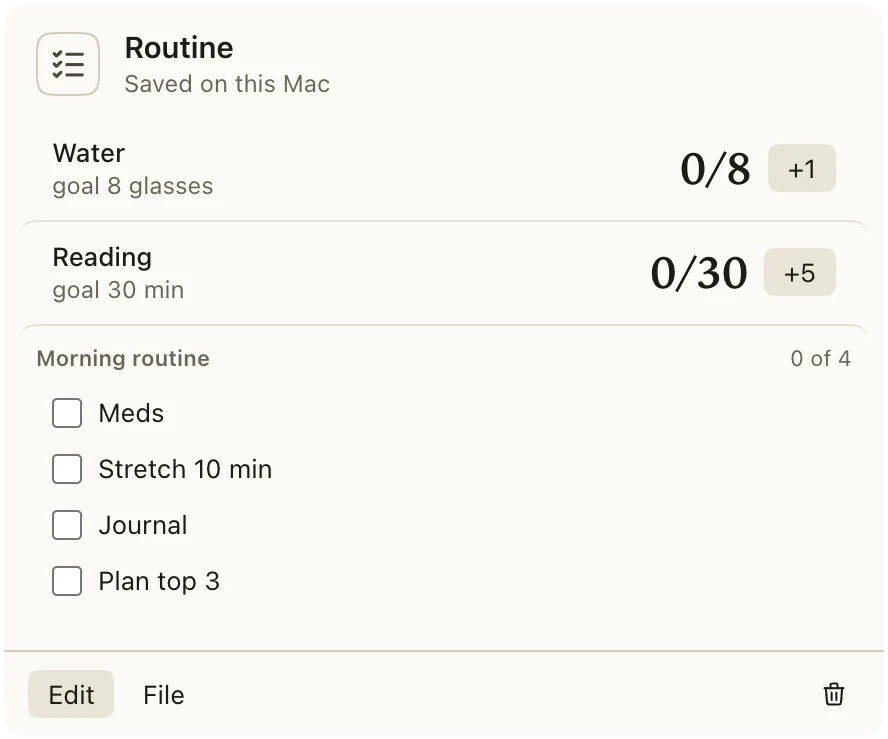
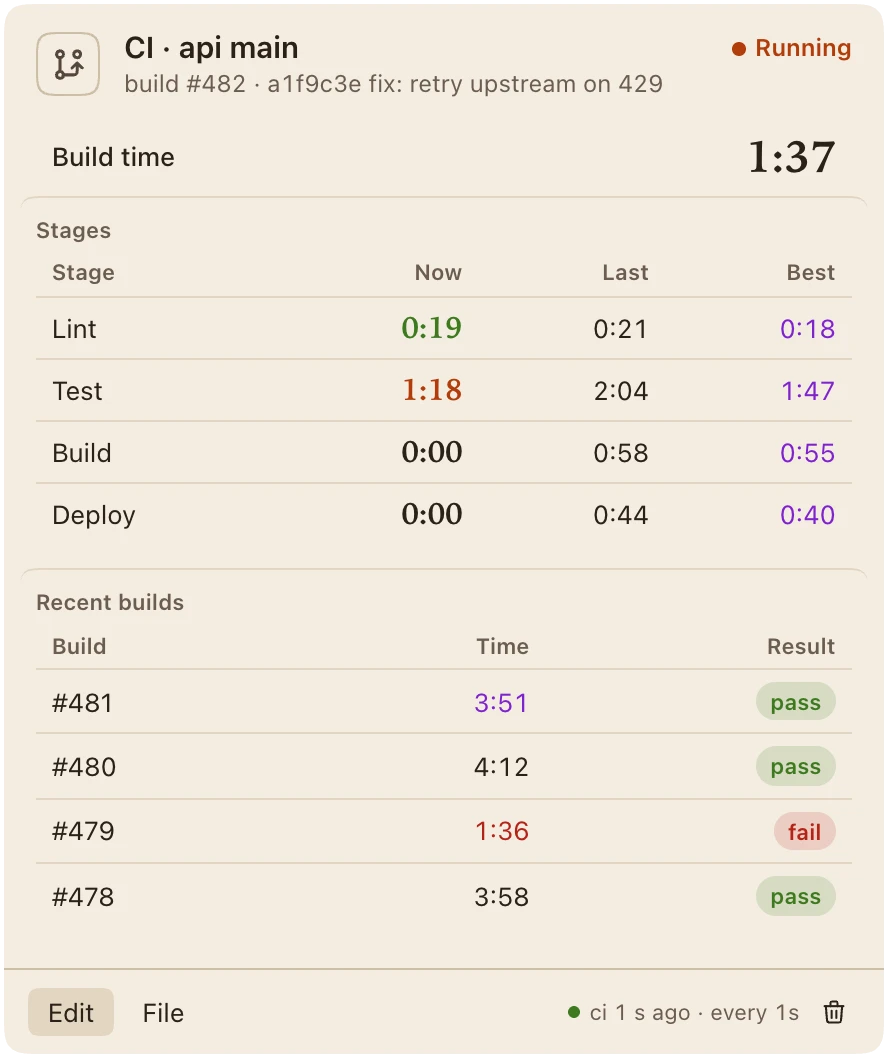
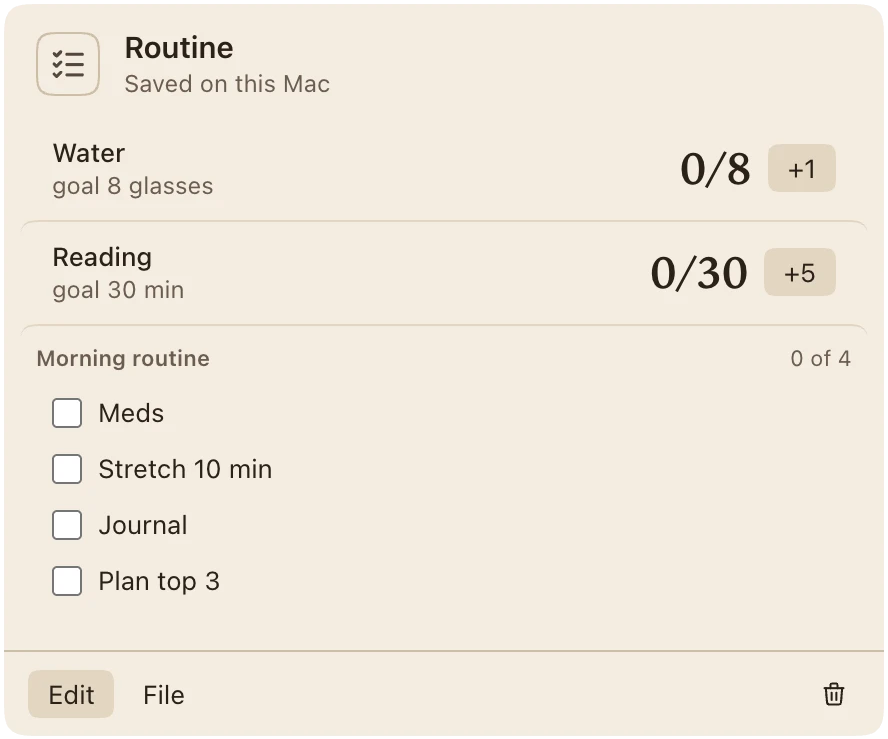
Warm off-white with serif figures, like a printed timing sheet.

"look": { "theme": "paper" }
Focus timer popover in the Paper look
CI build popover in the Paper look
Routine popover in the Paper look

Night

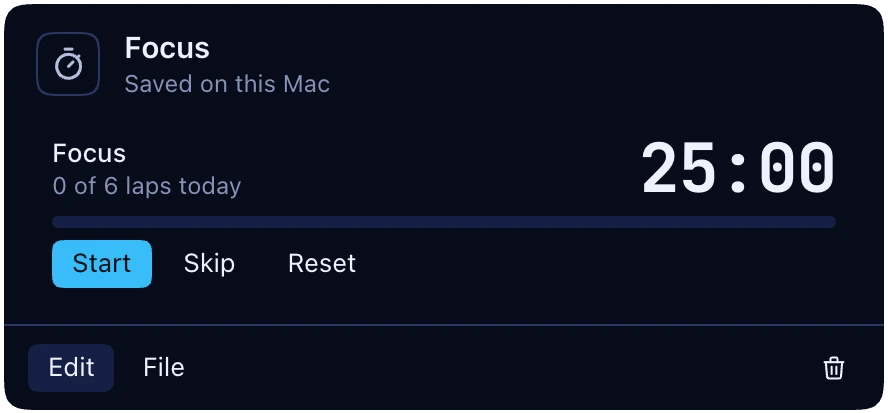
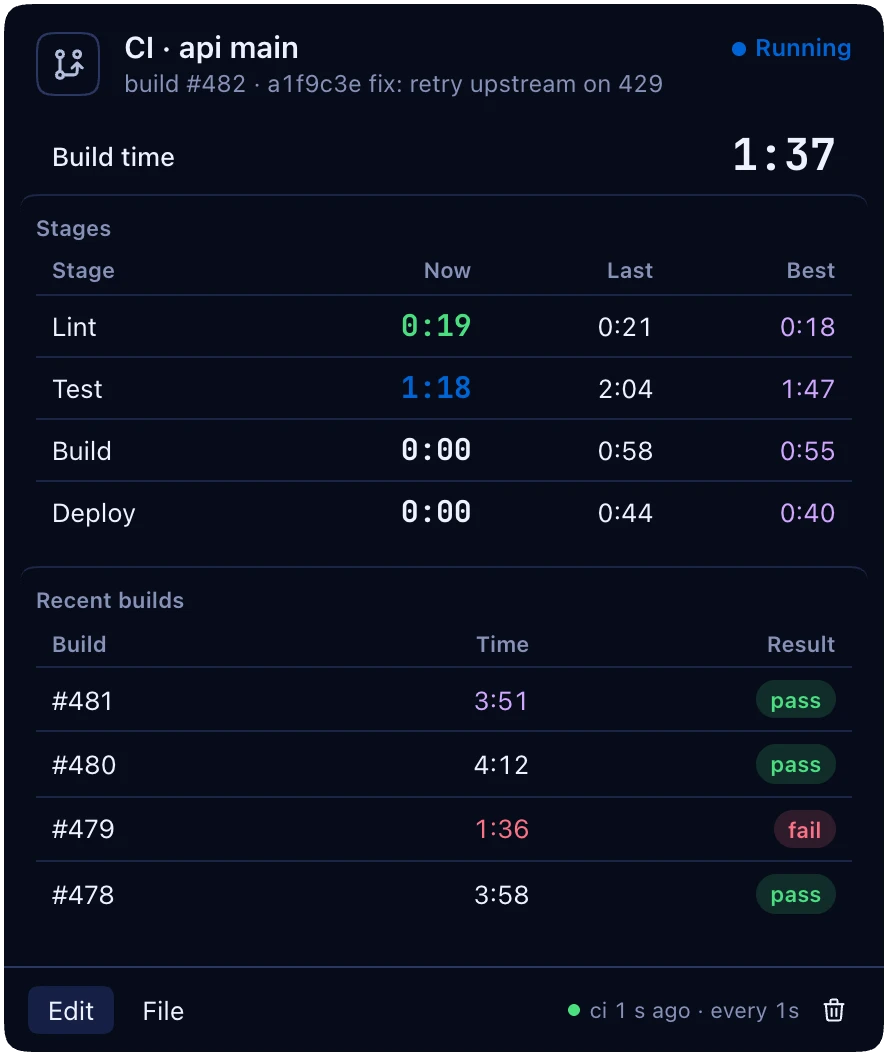
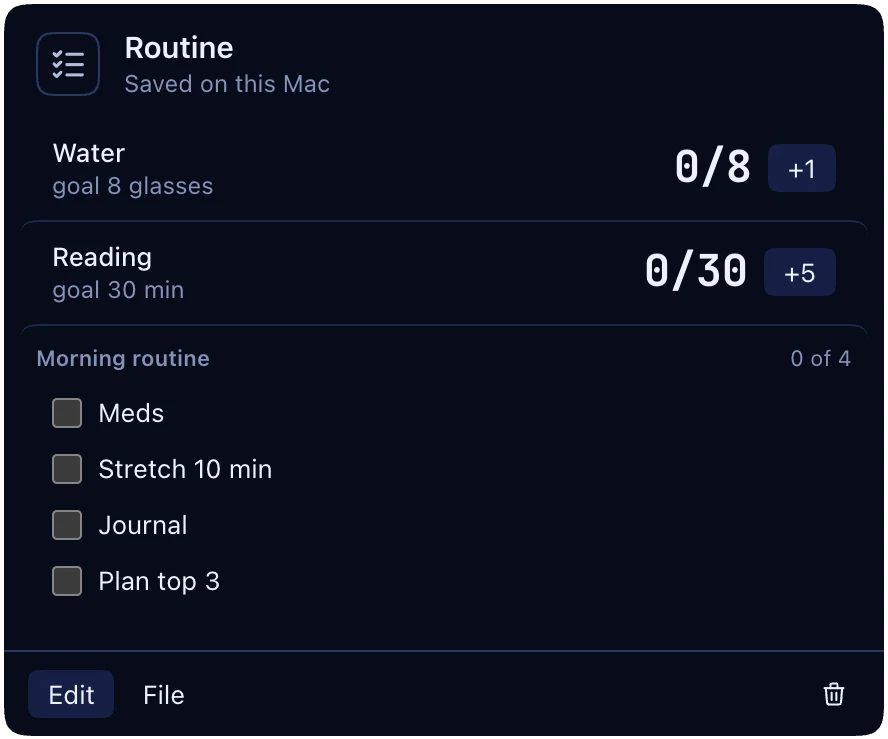
Deep navy and mono figures, for after dark.

"look": { "theme": "night" }
Focus timer popover in the Night look
CI build popover in the Night look
Routine popover in the Night look

Papaya

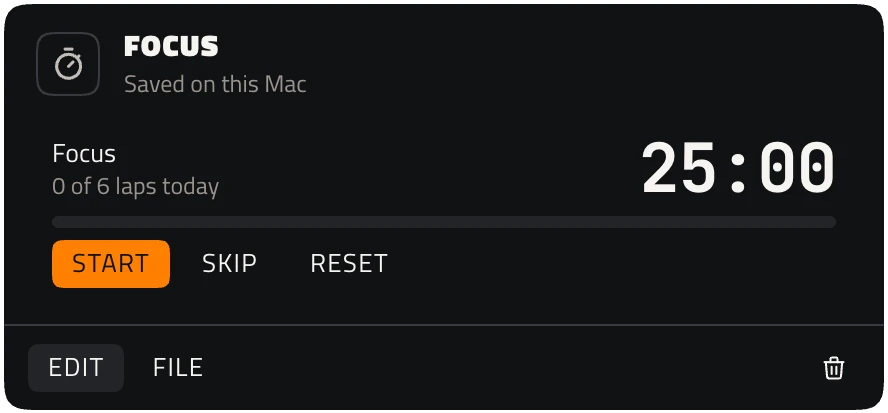
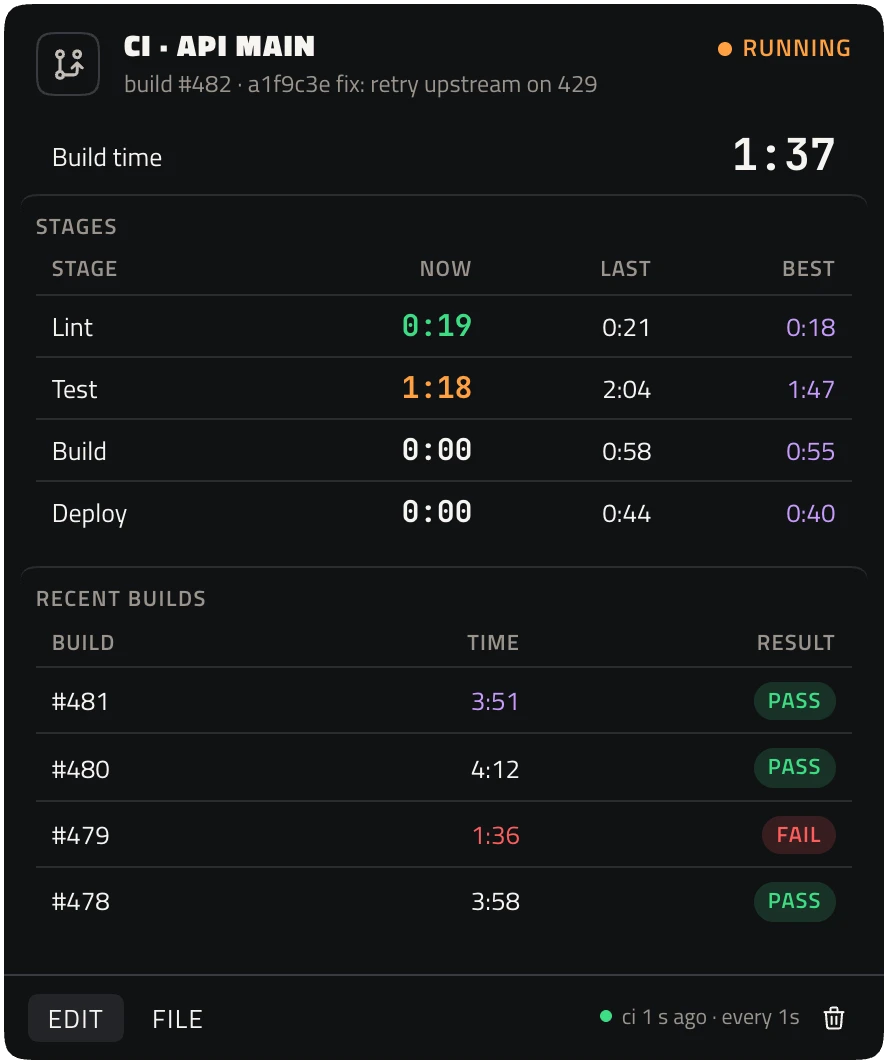
Charcoal with an orange accent and uppercase labels.

"look": { "theme": "papaya" }
Focus timer popover in the Papaya look
CI build popover in the Papaya look
Routine popover in the Papaya look

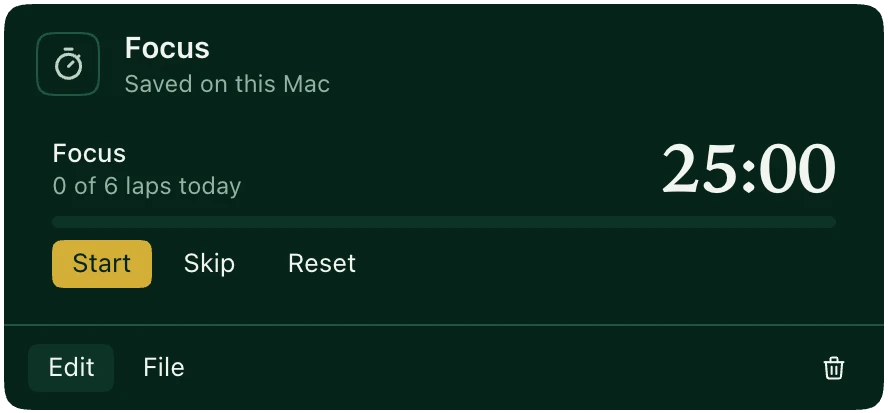
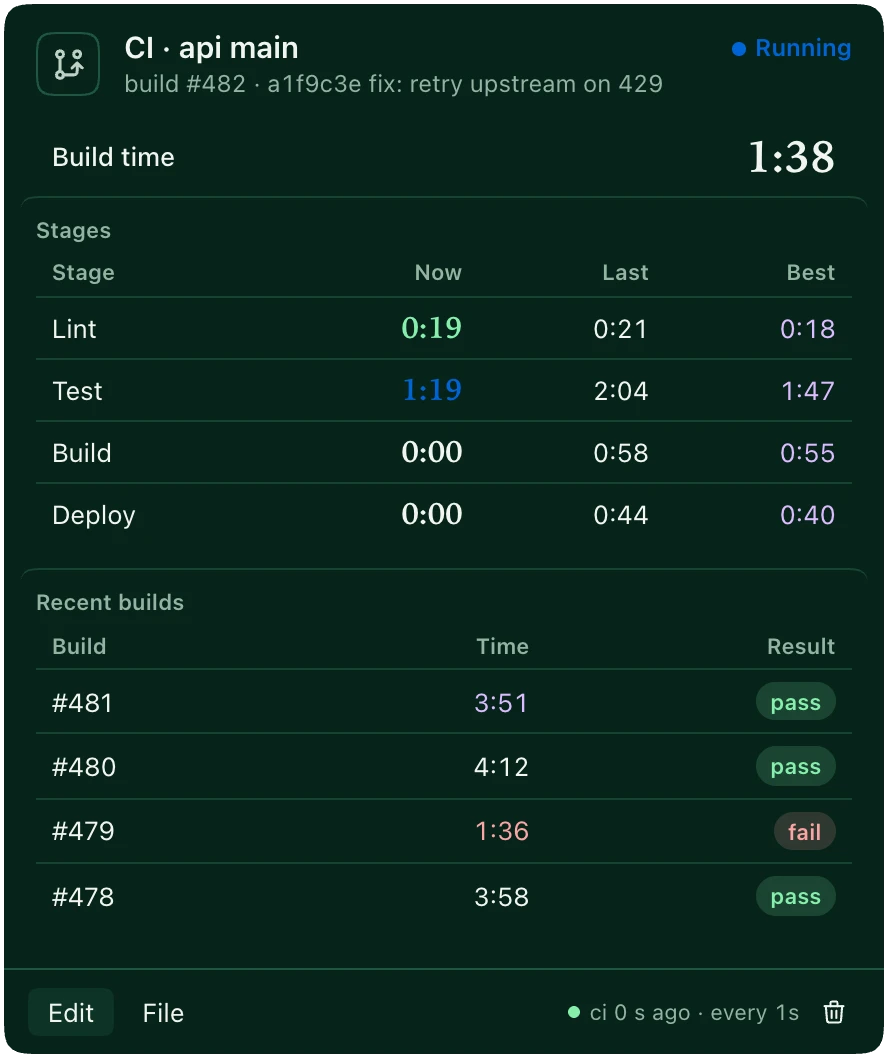
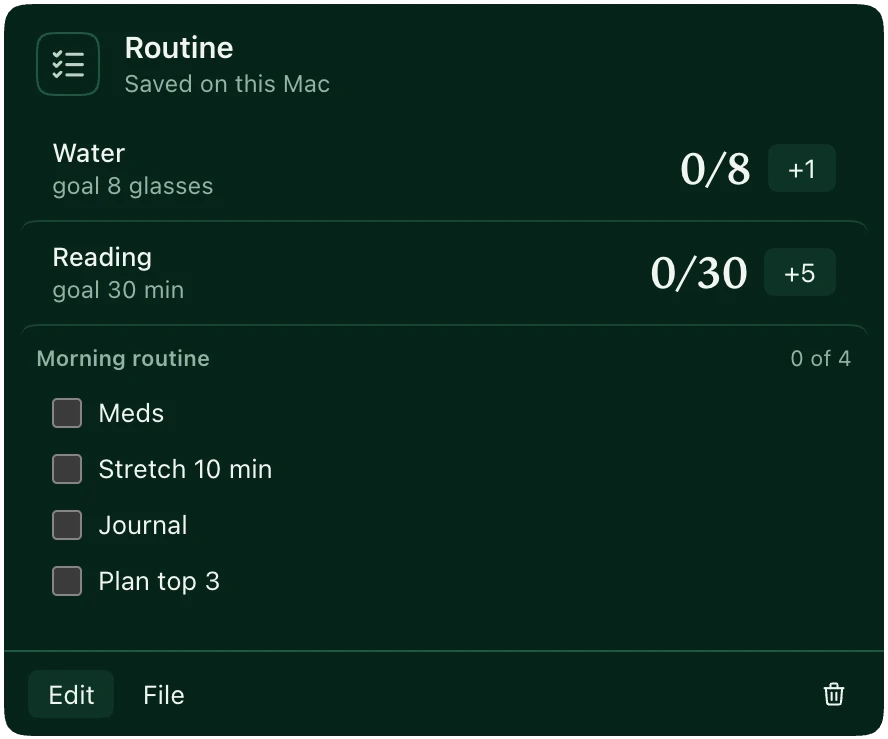
Racing green

Deep green with serif figures.

"look": { "theme": "green" }
Focus timer popover in the Racing green look
CI build popover in the Racing green look
Routine popover in the Racing green look

Graphite

Neutral dark grey. Nothing competes with the numbers.

"look": { "theme": "graphite" }
Focus timer popover in the Graphite look
CI build popover in the Graphite look
Routine popover in the Graphite look

Dune

Sand and rust, with serif figures.

"look": { "theme": "dune" }
Focus timer popover in the Dune look
CI build popover in the Dune look
Routine popover in the Dune look

Signal

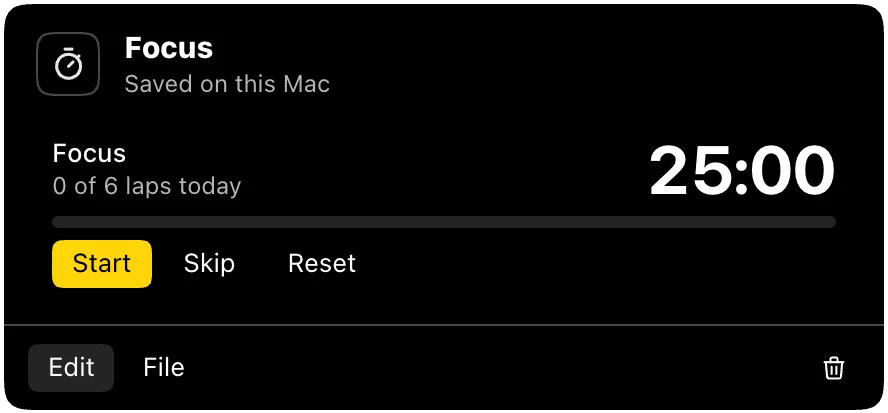
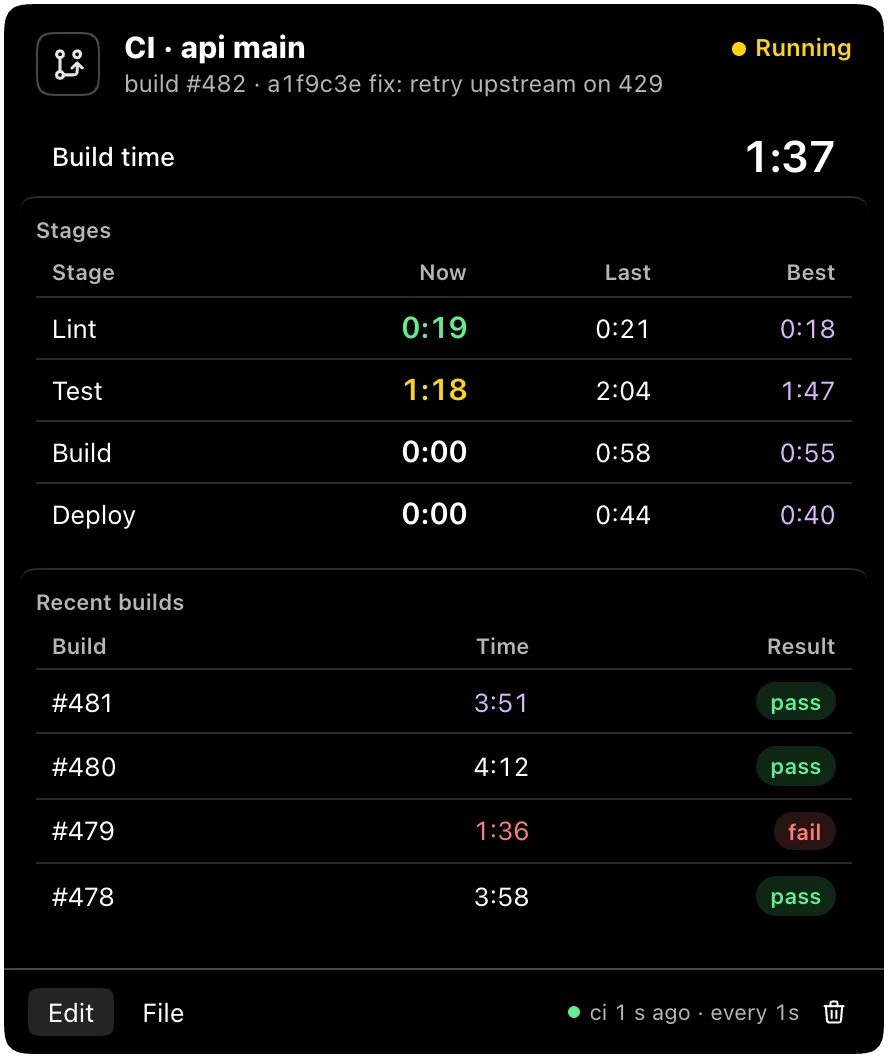
Black with a yellow accent: the highest contrast of the set.

"look": { "theme": "signal" }
Focus timer popover in the Signal look
CI build popover in the Signal look
Routine popover in the Signal look

Get Spotter

A small native app for the Mac menu bar. macOS 26 or later.

brew install samarthpatel24/tap/spotter
View on GitHub